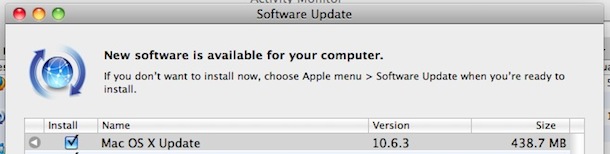
I'm saying updates have always required a restart. You said you remember a time when this was not the case, and I'm pretty sure such times never existed.
No they haven't. On the 'Steve Jobs' versions of OS X updates never needed a restart, such versions as Leopard, Snow Leopard and Lion. The only exception was on major updates where a DVD was required for the update.
They even used to use that it used to do this to bash windows.
The 'Steve Jobs' OS X versions were very refined. Somewhere around Lion everything went downhill. Mountain Lion's flaws were slowly more pronounced.
It also used to be than a new OS X version used to be faster despite it running on the same hardware. Its hard to say if this has changed.
And just in case you think this was real but you got the era wrong, here's a screenshot of 10.3 requiring a restart for all sorts of updates, including a Safari update and a Daylight Saving Time update: