No alignment issues, menus sorted by professional designers, easier to learn UX like ribbon menus and a lot more.
Feel like the design issues stem from it being shaped by existing power users. Familiarity tend to downplay design issues so stability took priority, even though the UX never should've been stabilised in the first place.
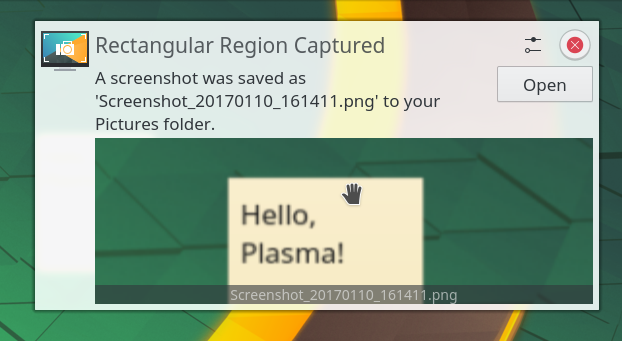
That looks perfectly functional to me? It only looks a bit ugly because the screenshot appears to have been of a very small part of the screen that got blurry when it was blown up to a larger size.
I'll take function over for every day. (I daily drive KDE, it works fine and doesn't get in my way. Most of the time I'm either in my editor or the terminal emulator anyway.)
It's quality issue from my experience. Nobody ever bothered with polishing the defaults and the "option bombardment" is really bad incoherent design instead of having too many things.
I remember spending hours customising the KDE 5 task bar clock, trying to correct the padding. Eventually I gave up customising it and switched to GNOME.
KDE app customisation is also a mess compared to something like foobar2000.
The defaults have been polished more times than I can count and virtually every KDE release changes some defaults to be more user friendly. It's been getting better for a long time.
VSCode needs Electron which is too big IMO. It's also a specialised code editor instead of a general text editor, with features like builtin terminal and traditional menus instead of ribbons.
I mean, Microsoft is already using WebView and web technologies in Windows at this point. I agree electron is inefficient, but it's not particularly egregious when compared to what they're already doing
For how it got so big, after it took over the gaming market initially it's likely network effect in action.
Discord is a centralised IM + basic forum with commercial polish.
Small communities can't afford site hosting and moderation, FOSS alternatives like Matrix are significantly inferior products. Fandom killed independent wikis, Reddit killed independent forums.
If Discord ever goes down, there will be decentralised services competing and advocating freedom until a new centralised service takes all the users for itself, just like Mastodon and Bluesky.
Window management mostly works fine, but app design is years behind.
KDE Dolphin has a static toolbar like Finder, with its config menu being two lists like some Microsoft toolbars, and the available items list is sorted alphabetically.
The flat view switcher is multiple separate items, named directly after their corresponding view type, one called list, another called icons and so on.
So if you want a Finder style view switcher, you first need to know it exists beforehand because the naming is confusing, then you need to know how many views are available beforehand because they're separate items, and finally you need to hunt them down because the list is alphabetical.
This is pretty much the quality you can expect when using KDE software.
Another example is breadcrumbs, the current folder doesn't have an arrow, so you can't browse deeper with it without perhaps expanding folders, unlike on Windows 7. Side bar favourites also replace the top folder, so if you browse the home folder with it you'll often find yourself suddenly unable to use it.


:max_bytes(150000):strip_icc():format(webp)/B1-Snipping-Tool-Windows11-46fbb894a6d04f289a0fdbf3f30c5c63.jpg)
No alignment issues, menus sorted by professional designers, easier to learn UX like ribbon menus and a lot more.
Feel like the design issues stem from it being shaped by existing power users. Familiarity tend to downplay design issues so stability took priority, even though the UX never should've been stabilised in the first place.
reply